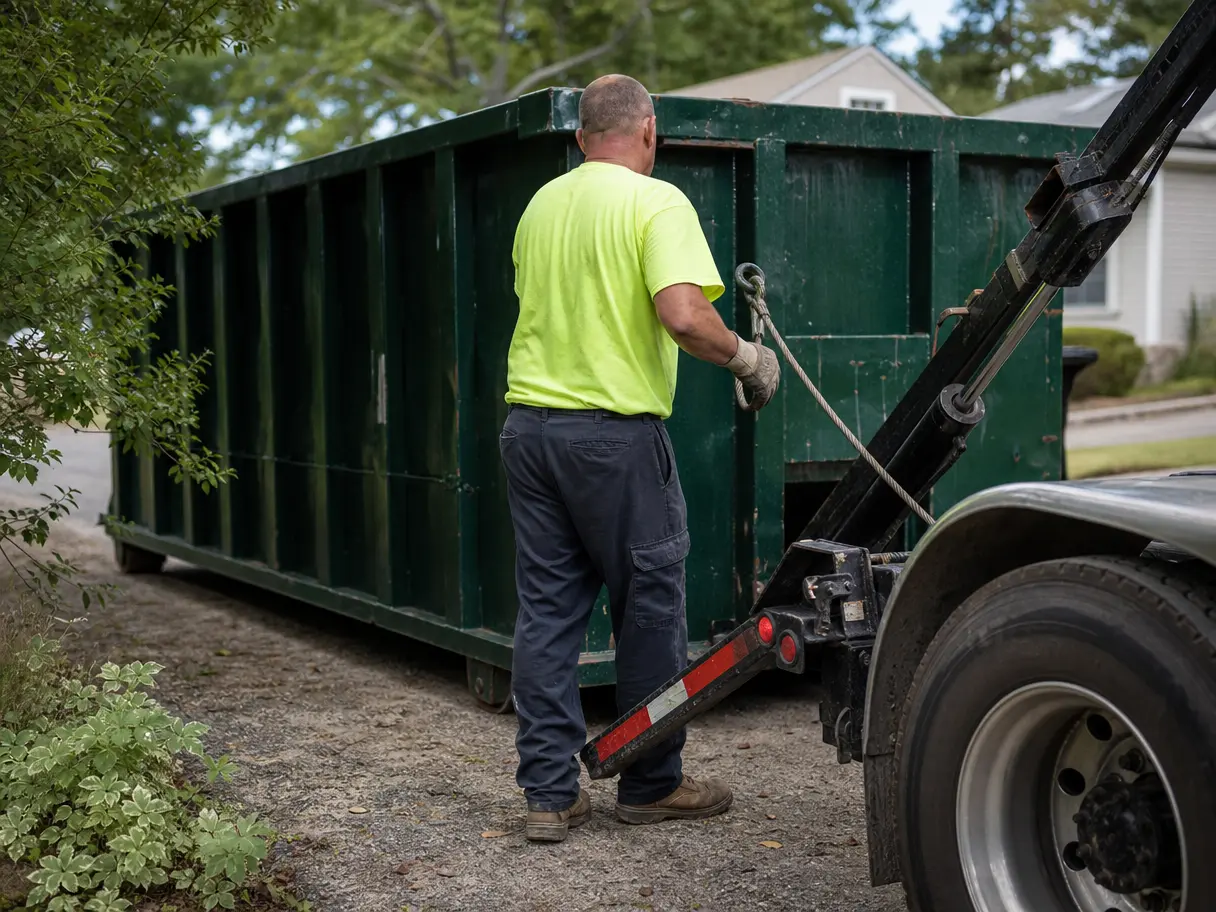

The day plan instead of the sheet
A lane per driver on a time axis, colored by service, with unassigned work in its own lane. Anyone in the office can read it.
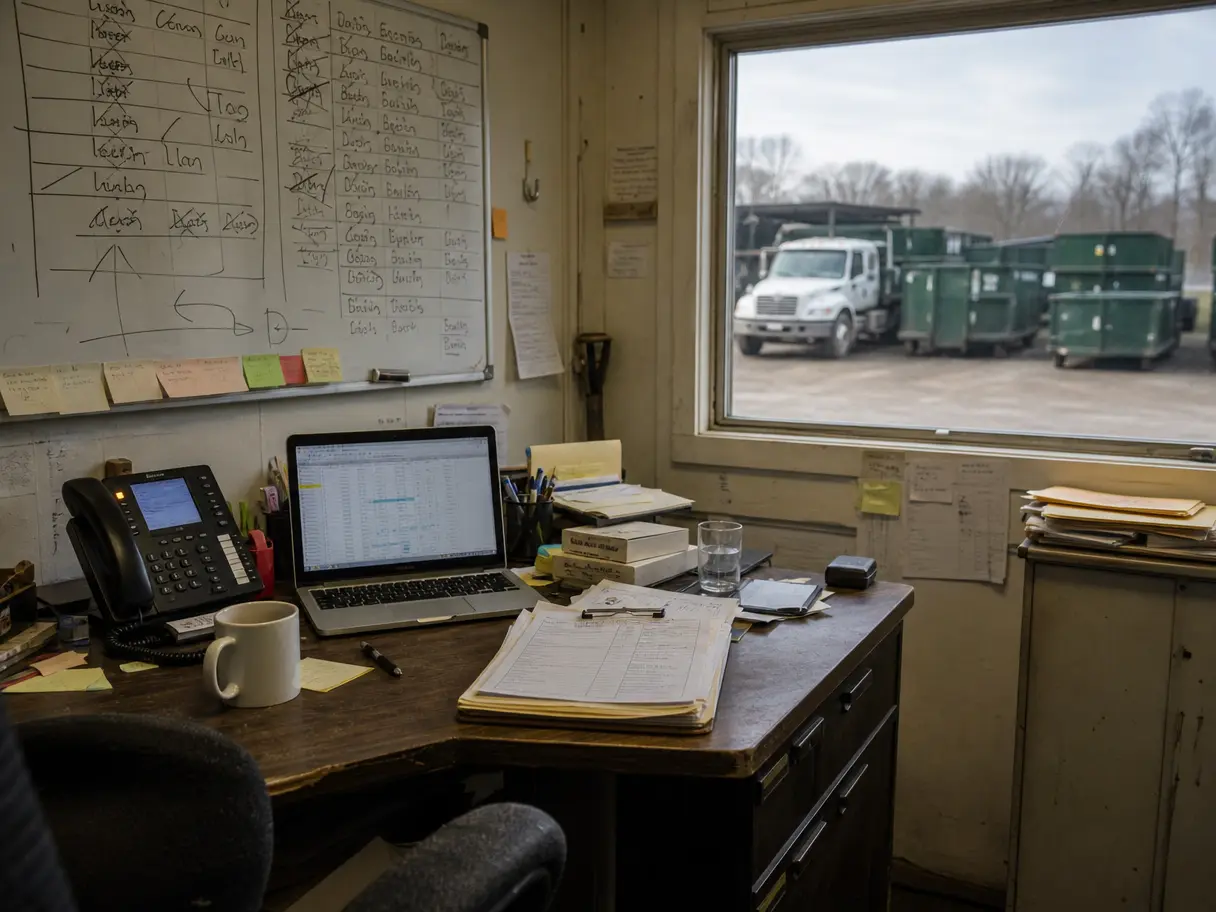
It started as a simple sheet. Now it has tabs, colors only you understand, and a whiteboard that backs it up. It works because you're in the office every minute. DumpTracker works when you're not.
When the schedule only makes sense to you, every question comes to you. Vacations turn into phone calls.
You move a stop in the sheet. The driver is still working off the photo of yesterday's version.
The sheet says 14 available. The yard says 11. Somebody forgot to update a row after a swap.
A lane per driver on a time axis, colored by service, with unassigned work in its own lane. Anyone in the office can read it.
Every can is numbered. As drivers complete stops, the counts for available, on site, and in transit update on their own.
Change the order or reassign a stop, and it changes on the driver's phone. No new photo of the whiteboard.
Setup takes your company, yard, dumpster sizes, hours, and team. Most of the time is adding your open jobs. We do it with you on the demo call.
Reports export to CSV. Your jobs and containers are yours.
No. Keep taking bookings the way you do now. DumpTracker starts once the job is booked.
Bring a real week: the addresses, the cans, the drivers. We'll set it up on a call and you'll see your day plan before we hang up.