
Mark the spot once. Everyone sees it.

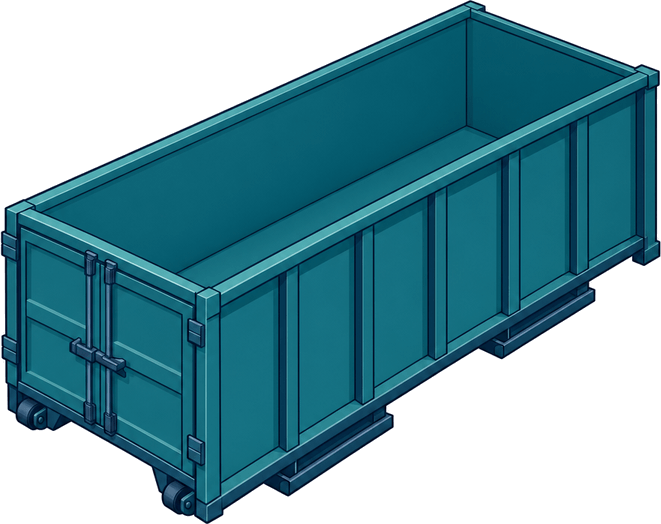
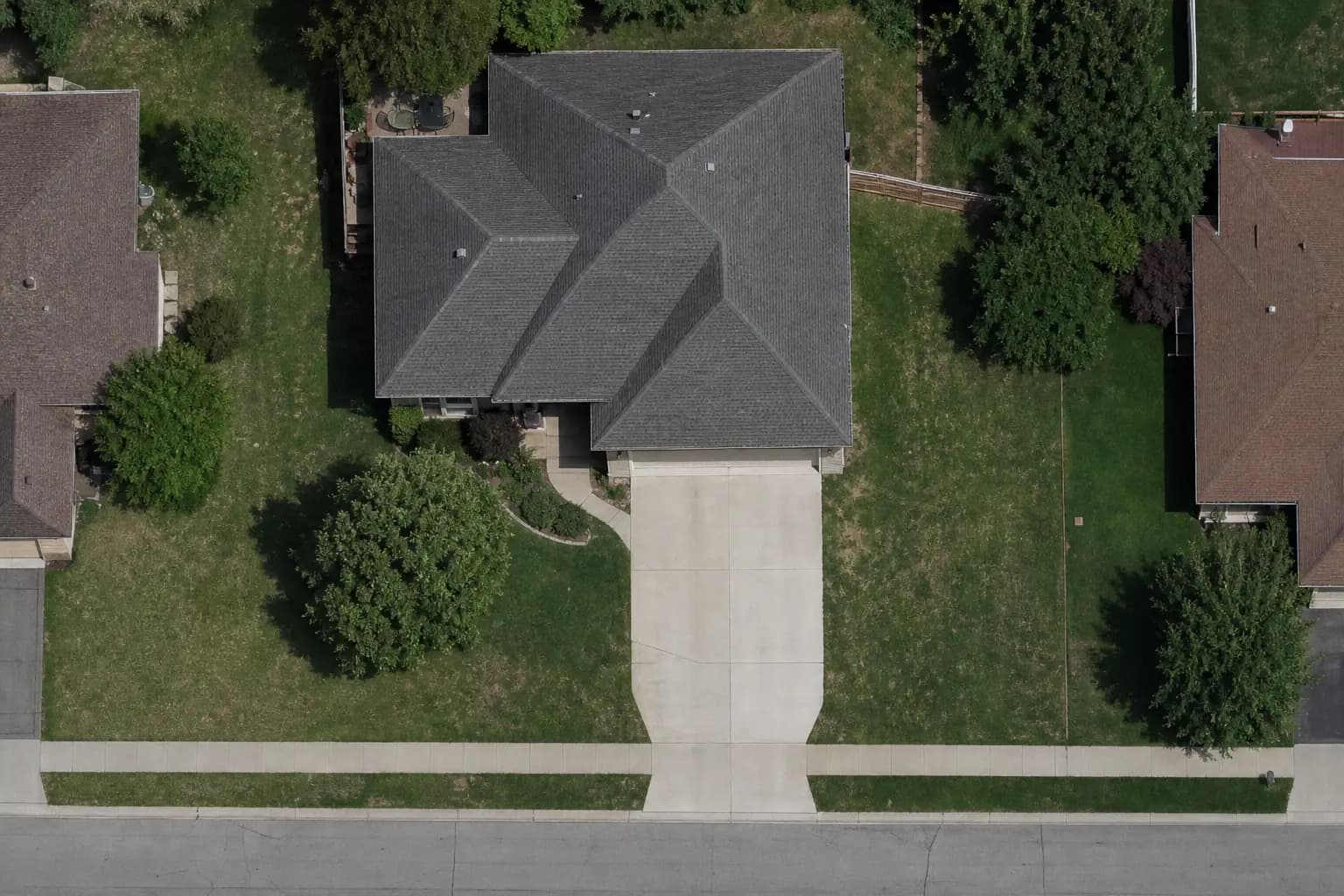
Drop the actual footprint of a 15, 20, or 30-yard can on the satellite map. Rotate it. Mark which way the door faces. The driver sees it on their next stop, and the customer sees it before the truck shows up.

Office · Dumpsters & placementSample data

A screenshot with a red circle is not a placement.

The way it runs now

  • You screenshot Google Maps, draw on it, and text it to the driver.
  • The customer said "left side of the driveway." Whose left?
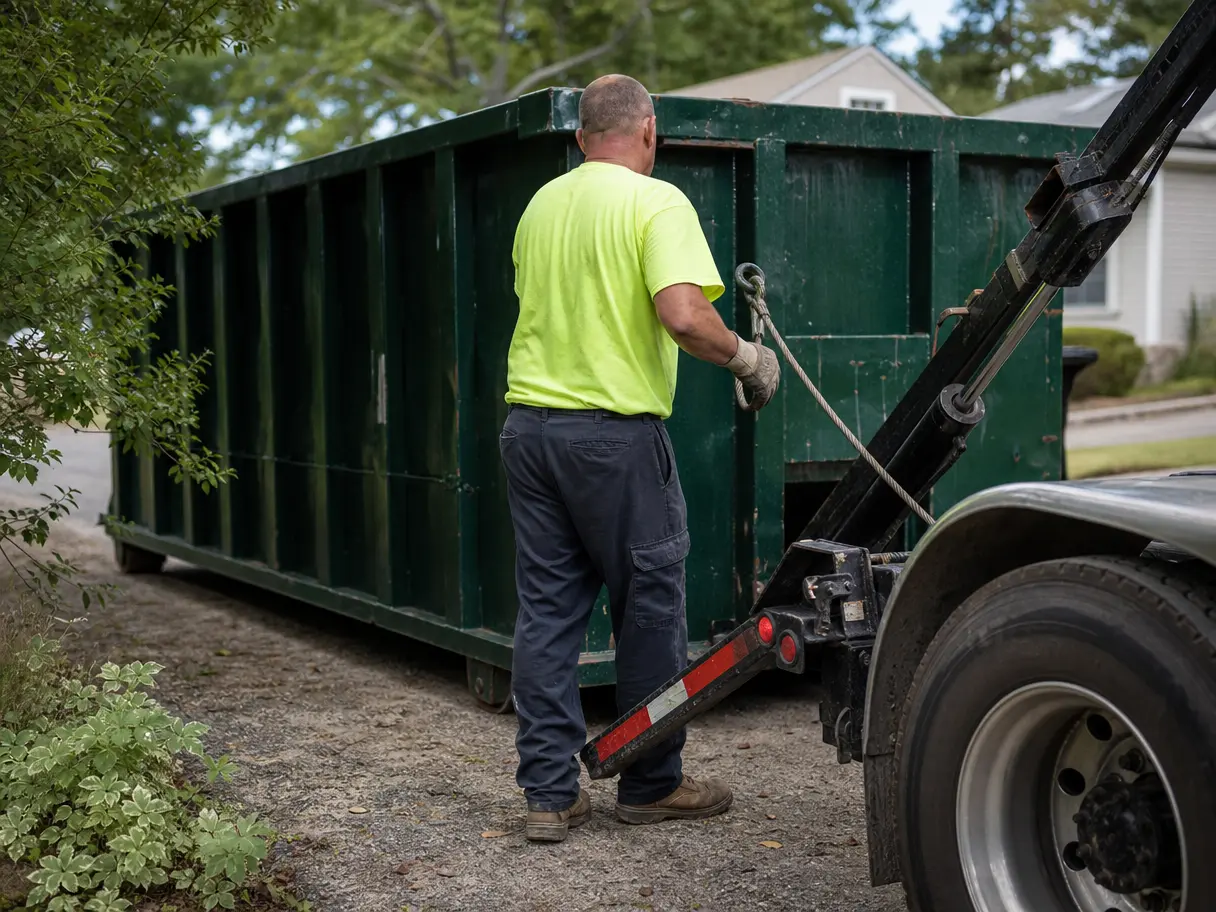
  • The driver drops it on the grass and you eat the lawn repair.
  • When a can gets moved, nobody updates the screenshot.

With DumpTracker

  • The footprint is drawn to the real size of the can you set up in your catalog.
  • Rotate 5° at a time, flip 180°, and mark the door side.
  • Drivers see it on the stop, on satellite or in Street View.
  • A new placement is a new revision. The old one stays on the record.

How placement works

To scale, on their property

Every dumpster type in your catalog has a length and width. When you place a 20-yard, you're placing a 22 by 8 foot rectangle on the satellite image of that address. You see right away if it fits between the mailbox and the neighbor's drive.

  • Satellite or Street View.
  • Upload a site plan or photo if the satellite image is old.
  • Drag the site entrance so the driver knows where to come in.
Office · Dumpsters & placementSample data

Commercial jobs, alleys, and tight lots

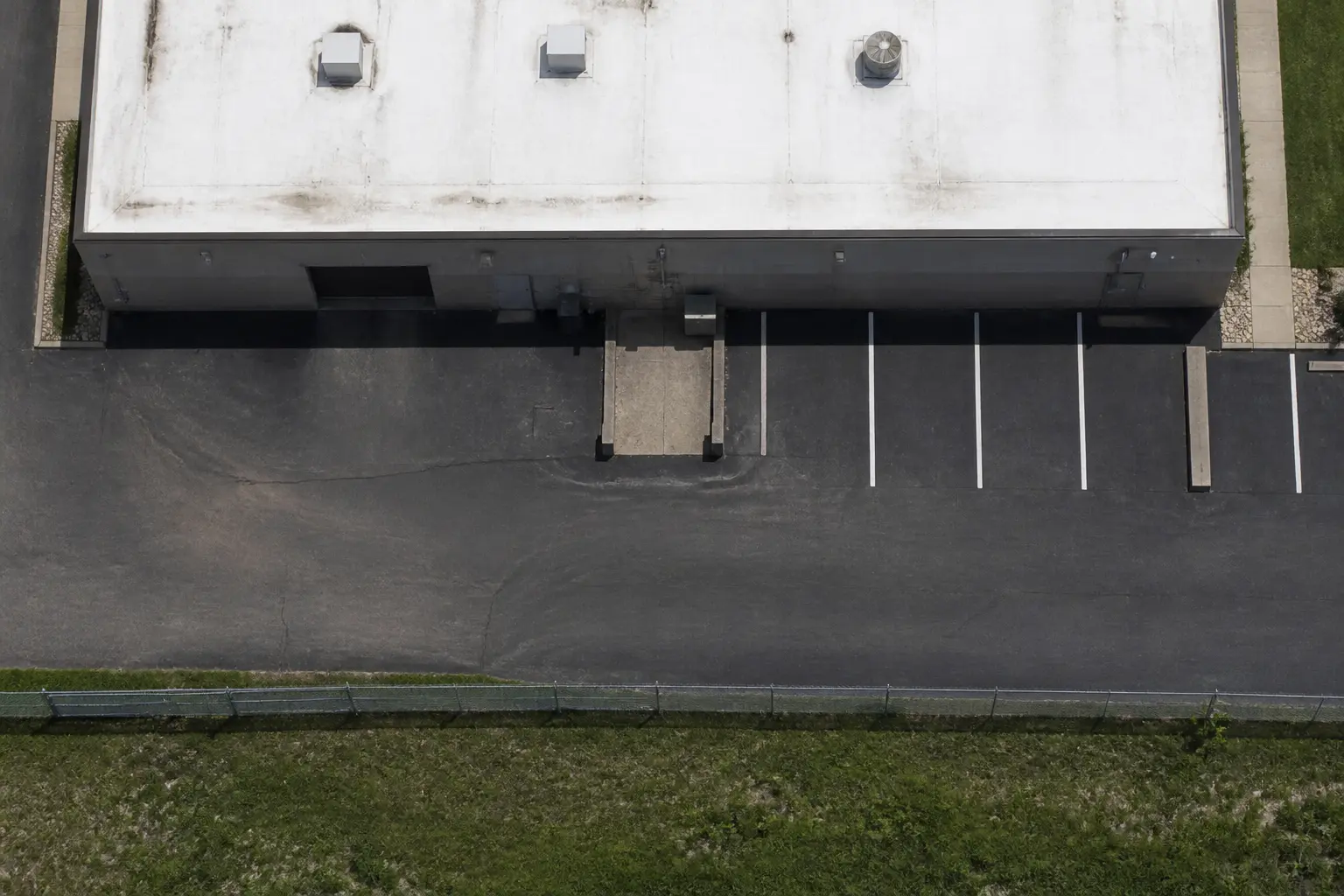
For a clinic addition or a tenant improvement, place the can in the alley and say which way the door faces. Access notes ride along: "Use the east alley. Door should face the alley."

Office · Dumpsters & placementSample data

Customers can propose the spot

Send a placement request and the customer drops the can where they want it. You approve it, or move it and approve. Nothing goes to the driver until someone in the office says yes.

Customer · Project linkSample data

Who sees the placement

Owner & office

Approve and revise

Approve the spot, see each revision, and get a warning when the customer asks to move it.

Office · TodaySample data

Driver

Where it goes, on the stop

The footprint on satellite, the door side, the access notes, and the can number.

Driver · My stopsSample data

Customer

See it before delivery

The same footprint on their own property, with a button to ask for a move.

Customer · Project linkSample data

Questions operators ask

Is the placement a survey?

No. It's a picture of where the can should go, drawn to the can's real dimensions. Satellite images can be months old, so drivers still check the site.

Can I use 3D Street View?

Yes. Street View 3D shows the dumpster in Street View for the office, drivers, and customers. It's included on every plan.

What if the satellite image is out of date?

Upload a site photo or a plan and place the can on that instead.

Can drivers change the placement?

Drivers don't pick a spot on their own. If there's no approved placement, the stop tells them to call dispatch. If the spot is blocked, they report it and it shows up on your screen.

See it on your own jobs.

Bring a real week: the addresses, the cans, the drivers. We'll set it up on a call and you'll see your day plan before we hang up.