One job. Three screens. Nobody calling to ask.

The office plans it. The driver runs it. The customer watches it. Each one sees the same job from their side, and the updates move between them without you on the phone.

A sample day: the office plan fills in as Nick Carr's stops are completed, and his screen and each customer's screen update to match.

Office · TodaySample data

Who sees what

Every screen is built for the person holding it. The owner on a laptop. The driver on a phone in a dash mount. The homeowner on the porch.

Owner & office

The whole day on one screen. Every truck, every can, every request.

  • Today: a lane per driver, the fleet, and what needs a decision.
  • Dispatch schedule: assign, set windows, order routes.
  • Requests, Messages, Reports, Catalog, Trucks, Yards.
More on the owner & office view
Office · TodaySample data

Drivers

The next stop, the exact spot, and the gate code. On their phone.

  • My stops: the next job big, the rest as a numbered rail.
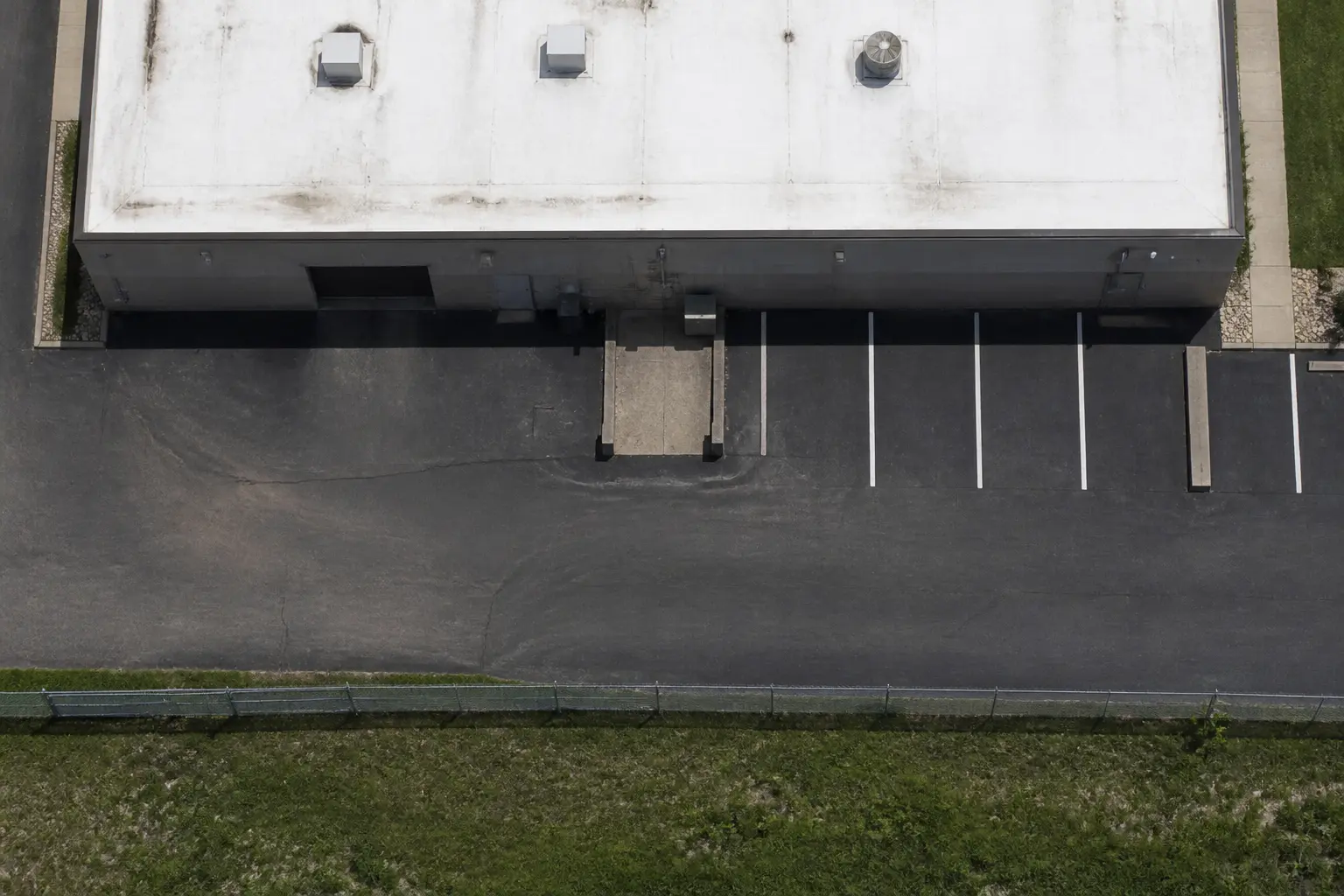
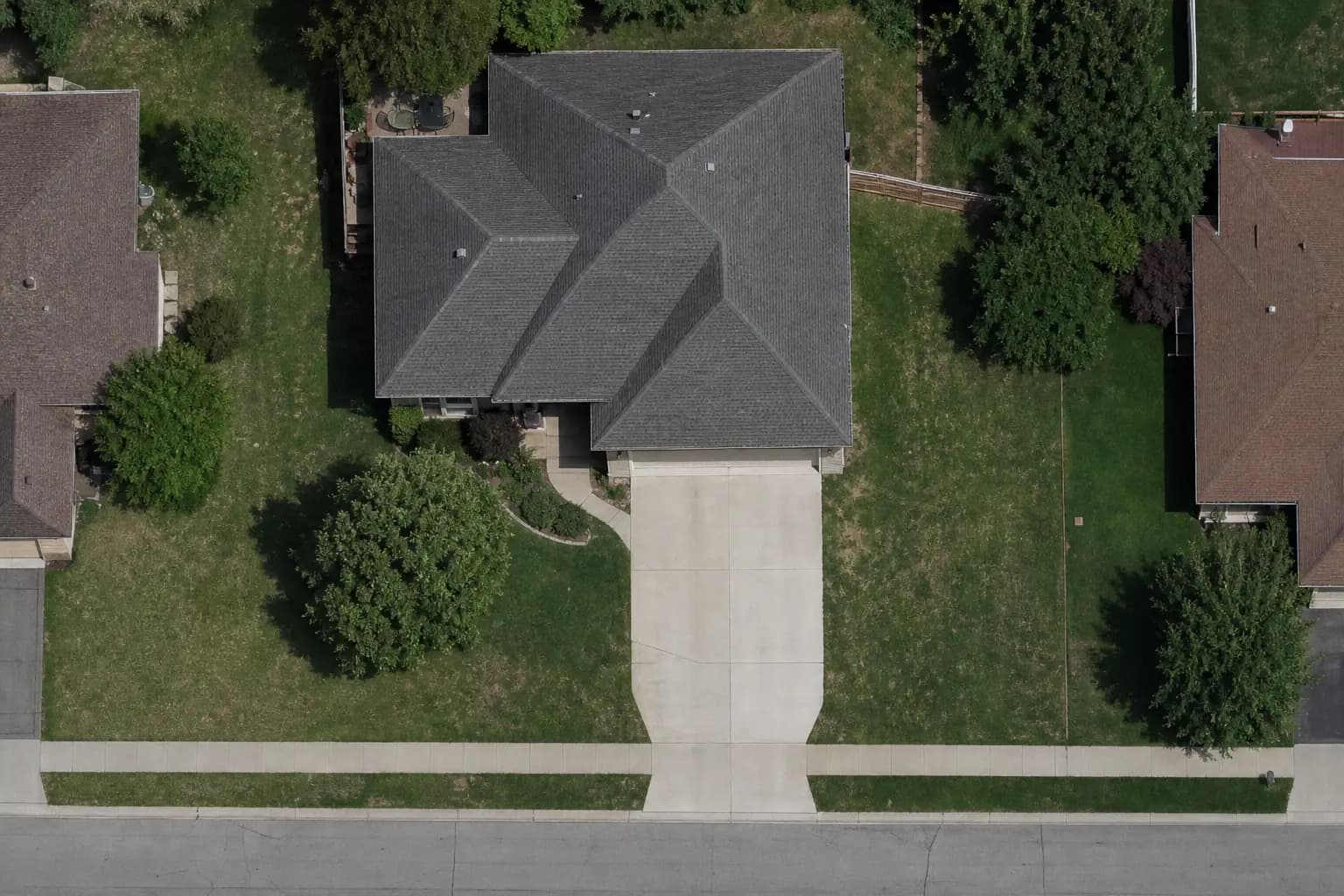
  • Where it goes: the footprint on satellite and Street View.
  • On my way, Complete job, Report issue. Works offline.
More on the drivers view
Driver · My stopsSample data

Customers

A link that shows where the can goes and when it shows up.

  • A link by text or email. No account, no app.
  • Status, window, and a five-step progress track.
  • Request a swap, pickup, dump and return, or a move.
More on the customers view
Customer · Project linkSample data

How a job moves between the three screens

  1. Office

    Job set up

    Site, cans, delivery window, and the placement on the map.

    Step 1 of 6
  2. Customer

    Spot confirmed

    The customer sees the window and the spot on their link.

    Step 2 of 6
  3. Driver

    Delivered

    On my way, drop, container check, photo. The customer gets a text.

    Step 3 of 6
  4. Customer

    Swap requested

    "It's full." One request from the link, with the can attached.

    Step 4 of 6
  5. Office

    Approved

    Accept and schedule. The driver gets the stop. The customer gets the window.

    Step 5 of 6
  6. Driver

    Picked up

    Final pickup, scale ticket logged, can back in the yard count.

    Step 6 of 6

Questions operators ask

What is DumpTracker?

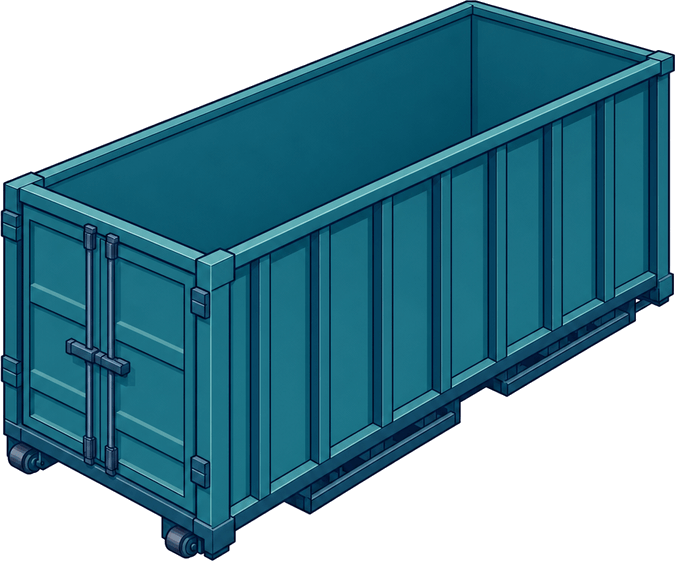
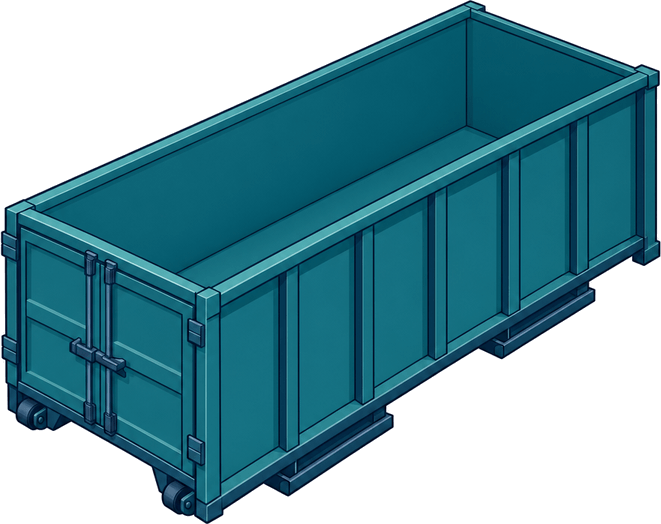
DumpTracker is software for roll-off dumpster rental companies. It runs the work after a rental is booked: placement on a satellite map, dispatch for each driver, driver stops on the phone, customer updates by text and email, and requests for swaps and pickups.

Who uses it?

Three people on every job. The owner or dispatcher plans the day in the office. Drivers work from My stops on their phone. Customers and site contacts follow the job from a link.

Does it replace my booking website or accounting?

No. Keep taking bookings and sending invoices the way you do now. DumpTracker starts when the job needs a placement, a delivery, service, or a pickup.

How much does it cost?

Core is $99 a month, Pro $199, and Elite $299, priced by containers and yards. There are no per-user fees.


See it on your own jobs.

Bring a real week: the addresses, the cans, the drivers. We'll set it up on a call and you'll see your day plan before we hang up.