One link. They see when and where.

Every project gets a link you text or email to the customer. It shows the delivery window, where the can goes on their property, and where the job is from requested to picked up. They can ask for a swap or a pickup from the same page.

Customer · Project linkSample data

Most of your phone calls are the same three questions.

The way it runs now

  • "When are you coming?" "Where's it going to go?" "Can you come get it?"
  • The homeowner wasn't home and the can ended up in the wrong spot.
  • A contractor texts your personal cell at 9 PM for a swap tomorrow.
  • You re-send the same delivery details to three people on one job.

With DumpTracker

  • The link shows the confirmed window and a five-step progress track.
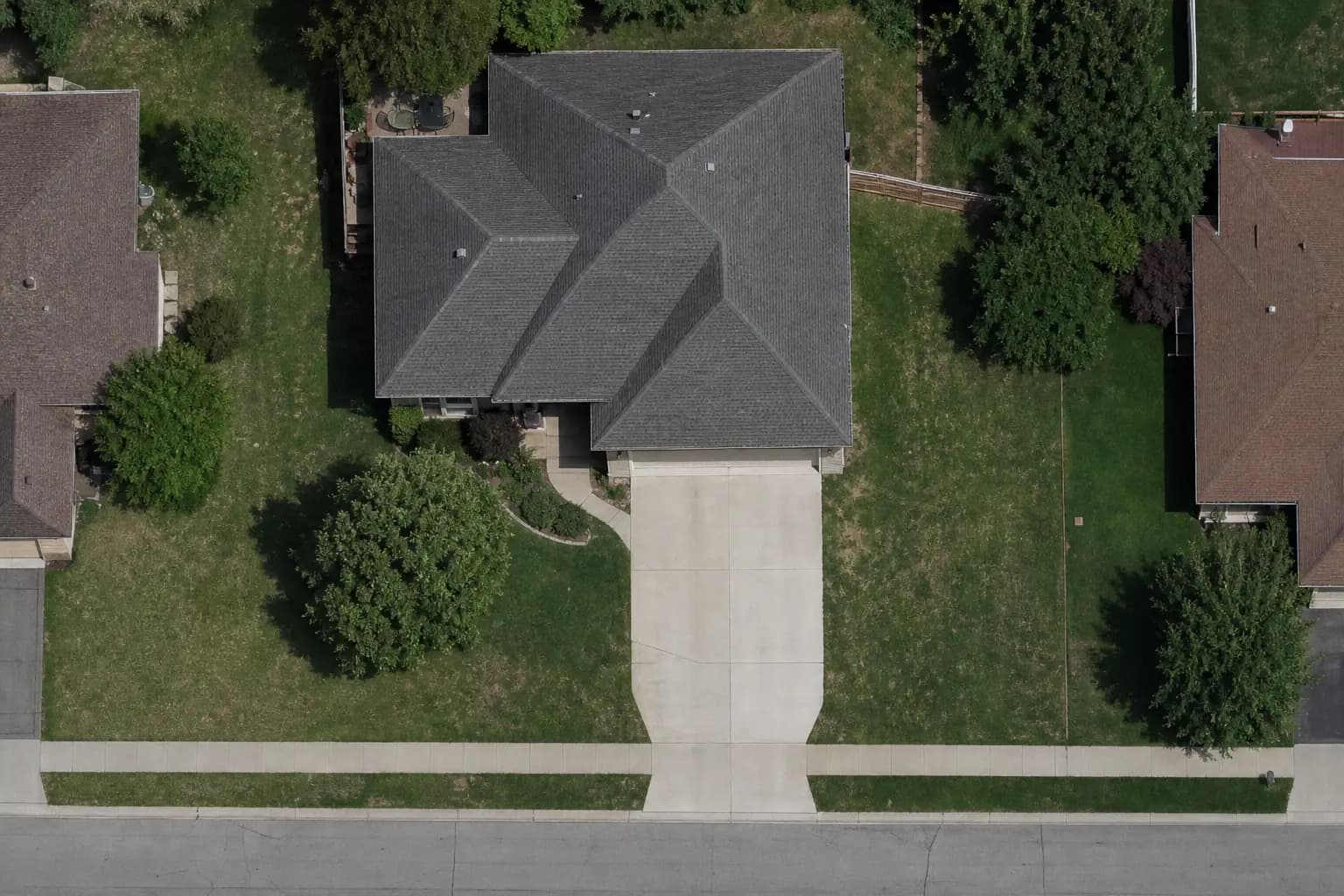
  • The customer sees the exact spot on the satellite map before you deliver.
  • Swaps, pickups, and dump and return requests come in through the link.
  • Site contacts get their own link with the same details.

What the customer sees

It works on any phone. No account, no password, no app.

Status, in plain English

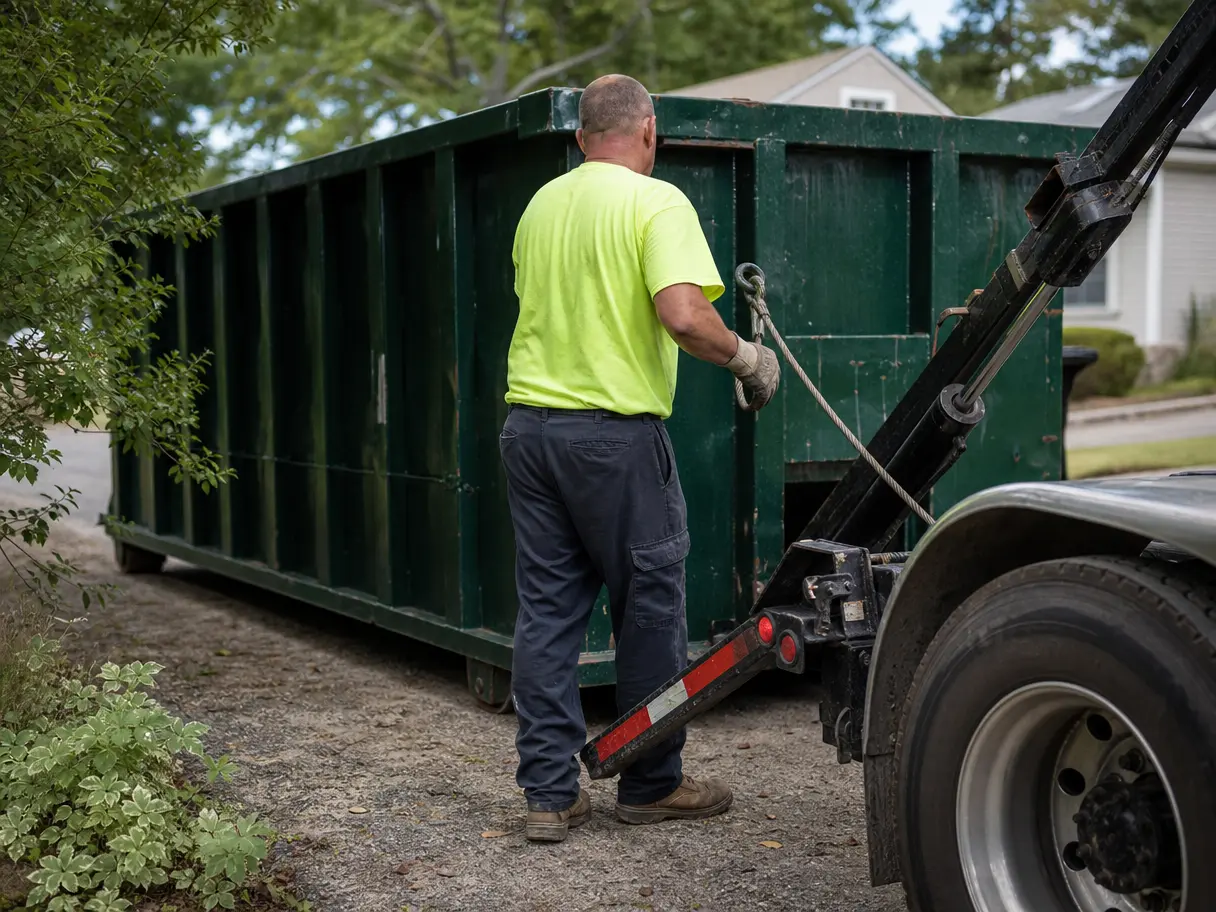
The top of the page says what's happening: Your driver is on the way. Your dumpster is on site. Your dumpster was picked up. Under it is the window, the can, and the driver's name.

  • Requested, Scheduled, On the way, On site, Picked up.
  • The window is the one you confirmed, not a guess.
Customer · Project linkSample data

They see the spot before the truck shows up

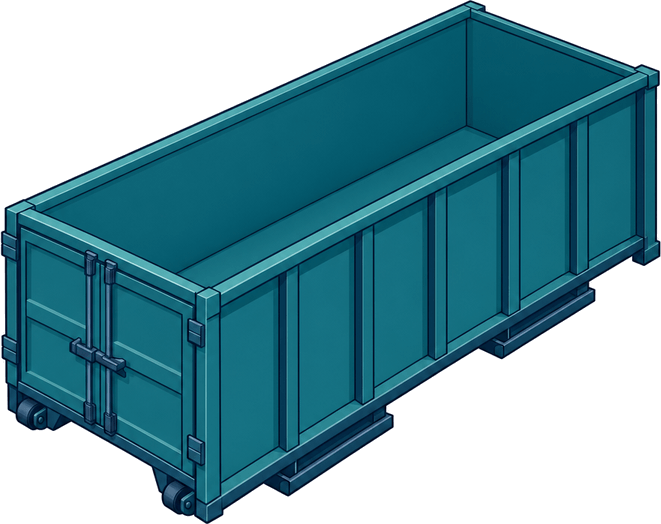
The placement map shows the footprint of the can they're getting, to scale, on their own driveway or lot. If it's wrong, they can ask to move it before your driver gets there.

Office · Dumpsters & placementSample data

Requests without the phone call

Request service gives them four choices: pickup, swap, dump and return, or relocate. They add a note and send it. It lands in your Requests list, and nothing changes on the schedule until you approve it.

Customer · Request serviceSample data

Questions operators ask

Do customers need an account?

No. They open a secure link you send by text or email. They can make an account later if they want to see all their projects in one place, but they don't have to.

Can the customer change the schedule?

They can ask. A request to change the time, swap, or pick up goes to your Requests list. The confirmed schedule stays the same until someone in your office approves it.

Can a contractor and the homeowner both see the job?

Yes. You can create a customer link and a separate site-contact link for the same project.

Do customers get asked for a review?

If you add a review link in Settings, yes. After the last pickup, they get one short thank-you with the link. You never have to remember to ask.

Does the portal take payments?

No. DumpTracker doesn't invoice or take payments. Keep billing in the system you use today.

See it on your own jobs.

Bring a real week: the addresses, the cans, the drivers. We'll set it up on a call and you'll see your day plan before we hang up.