
A day plan per driver
Lanes on a time axis, service colors, and the truck each driver is running.
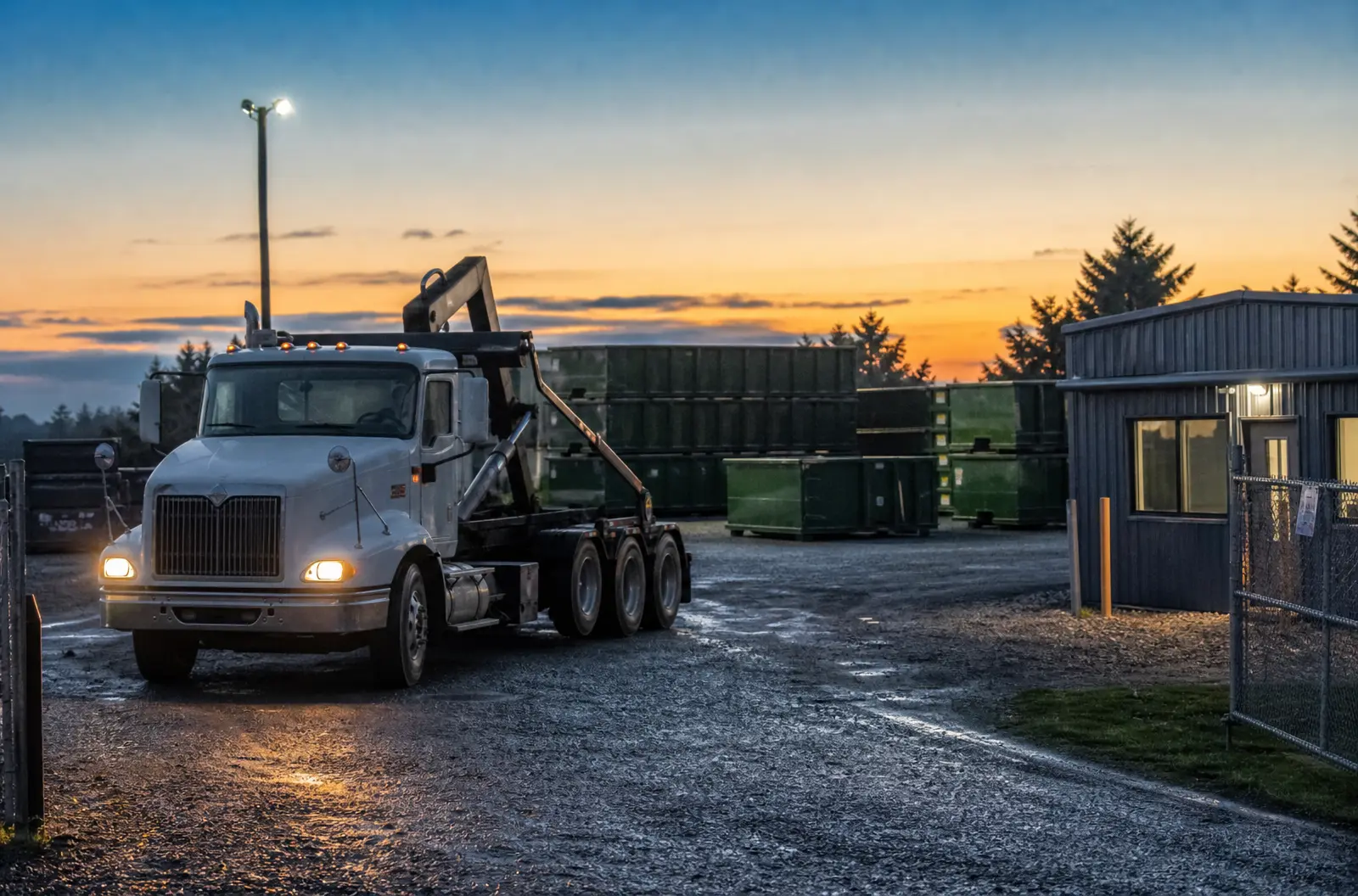
Most field-service software was built for plumbers and lawn crews and bent to fit dumpsters. DumpTracker was built around a can that goes out, sits, gets swapped, and comes back. Deliveries, swaps, dump and returns, pickups.
A roll-off rental is a delivery, maybe three swaps, and a pickup, spread over weeks. Each one is its own stop with its own steps.
You need to know which numbered can is on which job, and for how long. A plumber's van comes home every night. Your cans don't.
A 30-yard on a driveway is a 22-foot steel box that can crack concrete. The spot has to be right the first time.
Booking
The office adds the job, the site, the 20-yard, and the delivery window, then places the can on the satellite map.
Step 1 of 5Day before
The customer gets a text with the confirmed window and a link to the placement.
Step 2 of 5Delivery
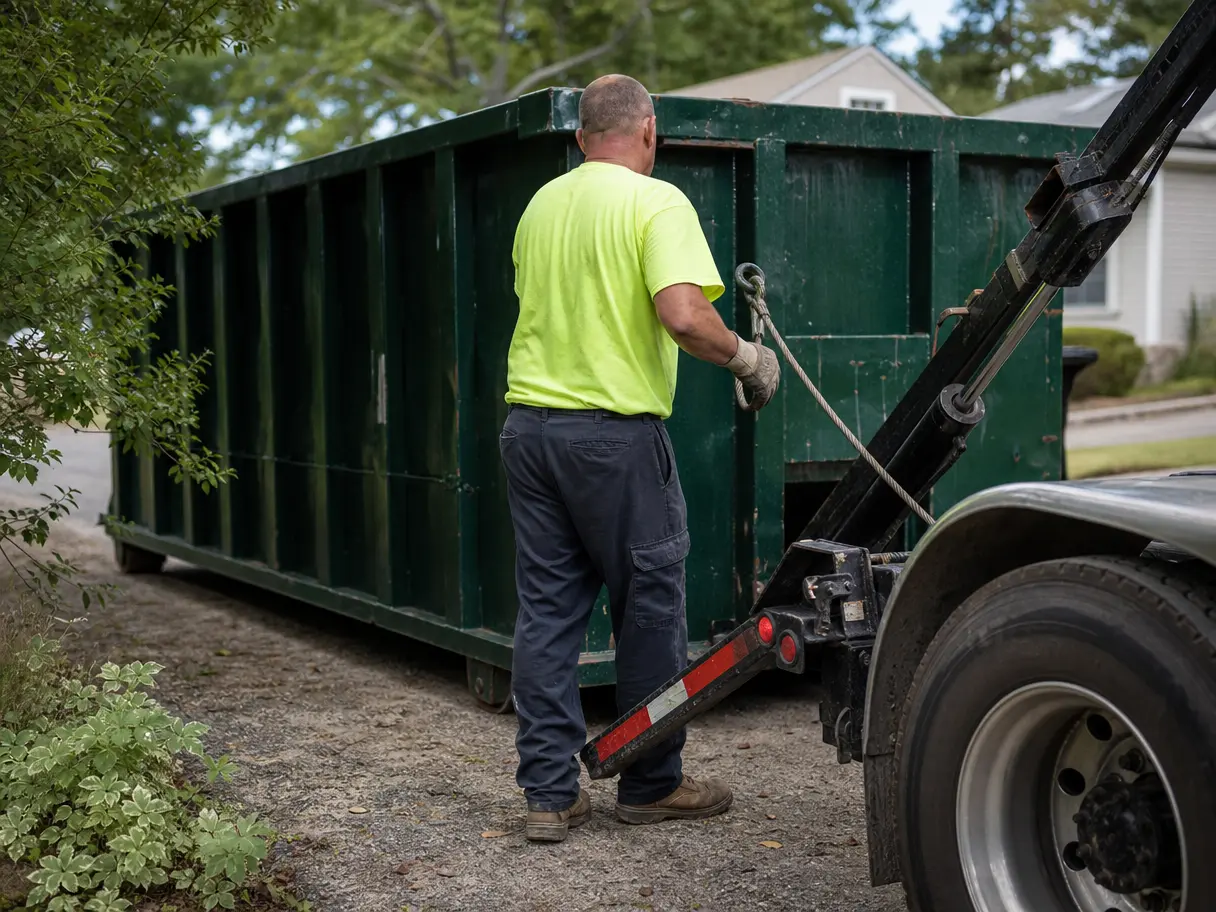
The driver taps On my way, drops the can, checks the number, and takes a photo.
Step 3 of 5Week two
The customer requests a dump and return from the link. The office approves it. The driver logs the scale ticket.
Step 4 of 5Pickup
Final pickup, empty, back to the yard. The fleet count updates on its own.
Step 5 of 5Lanes on a time axis, service colors, and the truck each driver is running.
Available, assigned, on site, in transit, and out of service, counted for you.
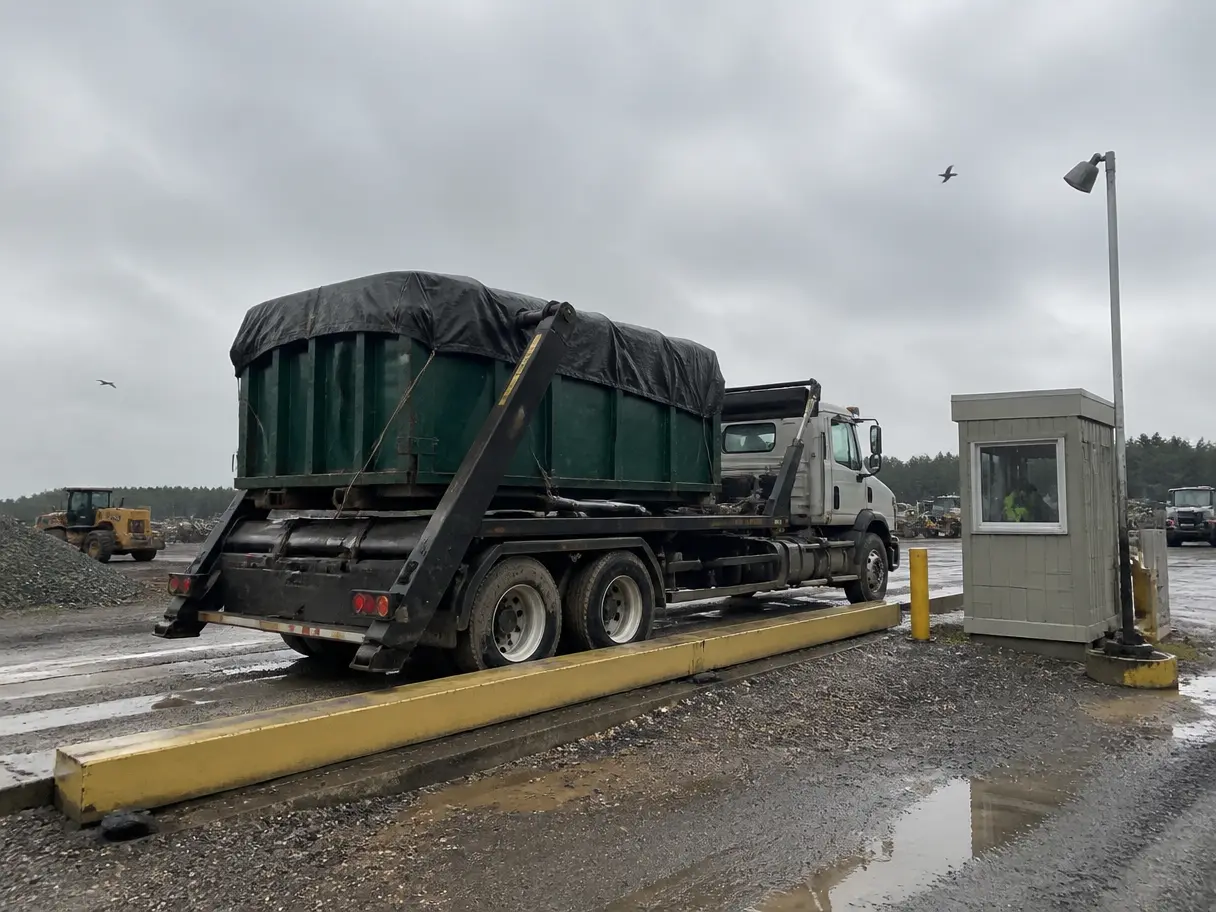
Ticket number, net tons, and a photo, logged at the landfill.
Any size you rent. Set up each dumpster type with its real length, width, height, and capacity.
Yes. Pro covers three yards and Elite covers ten, each with its own address, timezone, and fleet.
No. DumpTracker runs the work after the rental is booked. Keep billing where it is.
Bring a real week: the addresses, the cans, the drivers. We'll set it up on a call and you'll see your day plan before we hang up.