
The day plan
Every active driver is a lane. Stops are blocks on the time axis, numbered in route order and colored by service. Today shows the six busiest drivers; the dispatch schedule shows all of them.
A lane per driver on a time axis. Unassigned work in its own lane. Each driver's stops in the order you want, with the truck they're running today. It's the whiteboard, minus the marker smudges.
Every active driver is a lane. Stops are blocks on the time axis, numbered in route order and colored by service. Today shows the six busiest drivers; the dispatch schedule shows all of them.
Pick the truck each driver is running today and set the order of their stops. If a driver is on Truck 4 with a 15-yard max and you hand them a 20, it says so.
A swap is four steps: deliver the replacement, remove the outgoing can, empty it, return it to the yard. A dump and return is pick up, empty, return. Drivers see what to do at each one, and you see where each job is.
Set the window, assign the driver, order the route.
The day in the order you set, next stop on top.
The customer sees the window you confirmed, not a promise you didn't make.
Stops are assigned from each job and ordered with up and down arrows in Routes and trucks. It's quick and hard to fat-finger from a phone.
No. DumpTracker doesn't optimize routes. You set the order. Drivers open each address in Google or Apple Maps for directions.
Yes. Step back and forward a day at a time, or use the Completed tab.
You add the job in DumpTracker when the rental is booked. There's a field for your booking or invoice reference so the two systems line up.
Bring a real week: the addresses, the cans, the drivers. We'll set it up on a call and you'll see your day plan before we hang up.
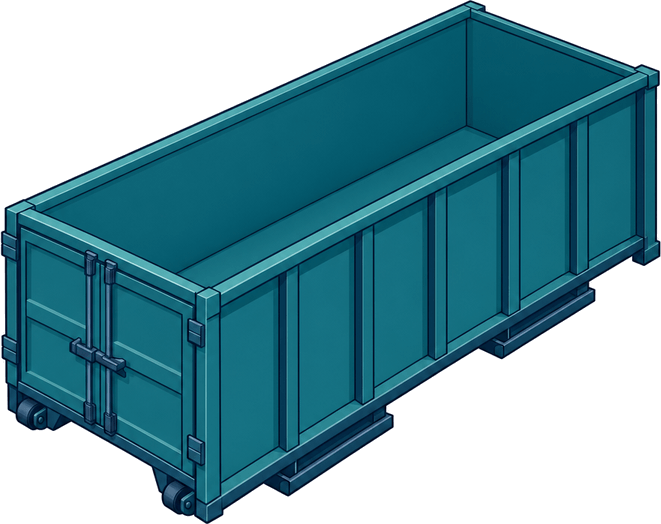 20-yard roll-off · Driver Nick Carr