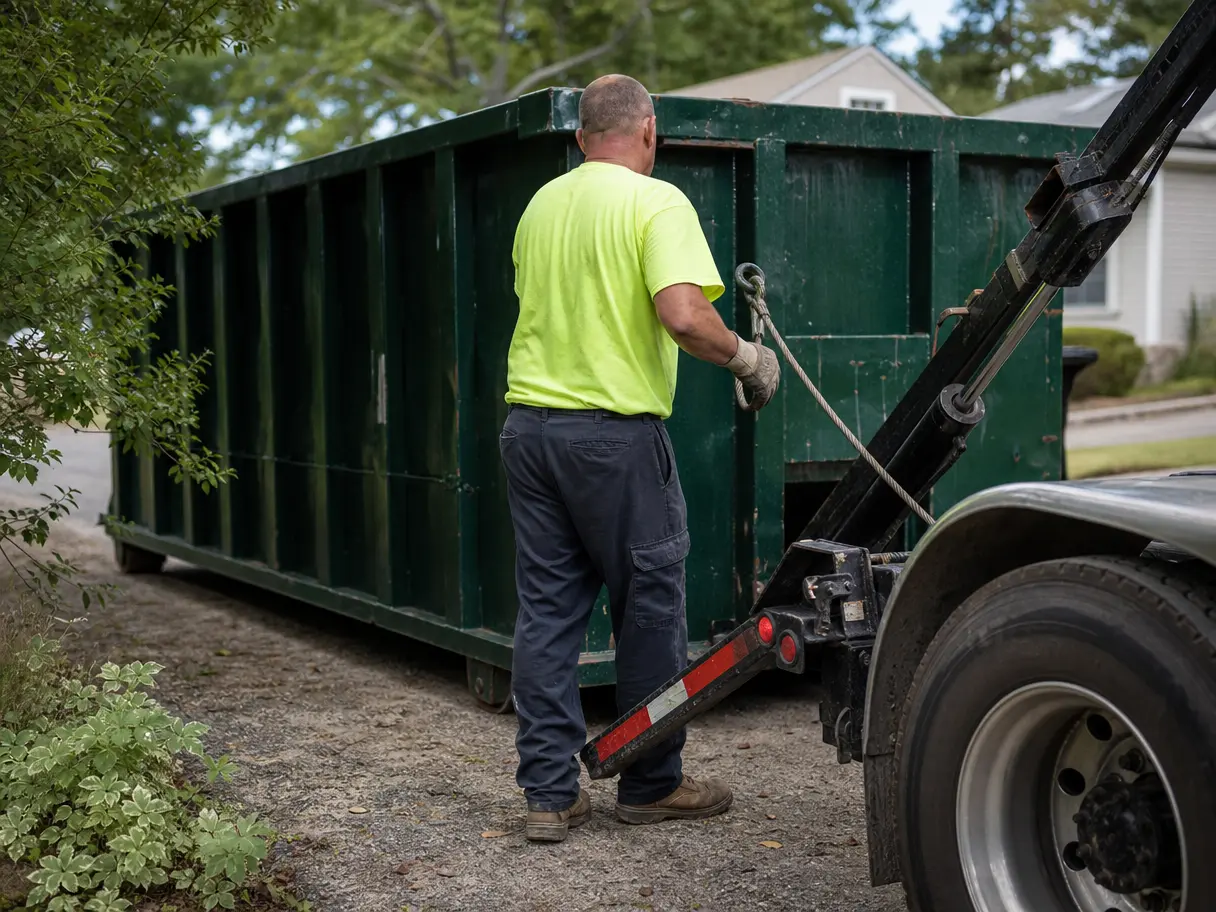

Completed jobs
A column for every day and a bar for every service. Point at a day to see its count.
How many jobs did you finish last week? How much of the fleet was out? Which cans have been sitting on the same job for a month? Reports answers those without a spreadsheet, and exports to CSV when you need one.
Reports are on Pro and Elite.
A column for every day and a bar for every service. Point at a day to see its count.
How long cans stay out, on average and at the median, and a list of the ones on site longer than you'd like. That list is where rental extensions and missed pickups hide.
No. DumpTracker doesn't handle pricing or invoices, so reports cover jobs, dumpster use, days on site, and driver stops.
Yes. Every report panel exports to CSV.
Pro and Elite.
Bring a real week: the addresses, the cans, the drivers. We'll set it up on a call and you'll see your day plan before we hang up.