
The next stop. The exact spot. The gate code.

Your drivers sign in on the phone they already have. My stops shows the next job in big type, where the can goes on the map, and the access notes. One tap tells the customer the truck is coming.

Driver · My stopsSample data

Drivers shouldn't have to call the office from every driveway.

The way it runs now

  • The route is a group text, a printout, or a photo of the whiteboard.
  • The placement is a screenshot with a red circle, if they got one at all.
  • Gate codes and contact names are in someone's texts from last week.
  • The customer calls the office asking where the truck is.

With DumpTracker

  • My stops shows today's work, in the order you set, with the next one on top.
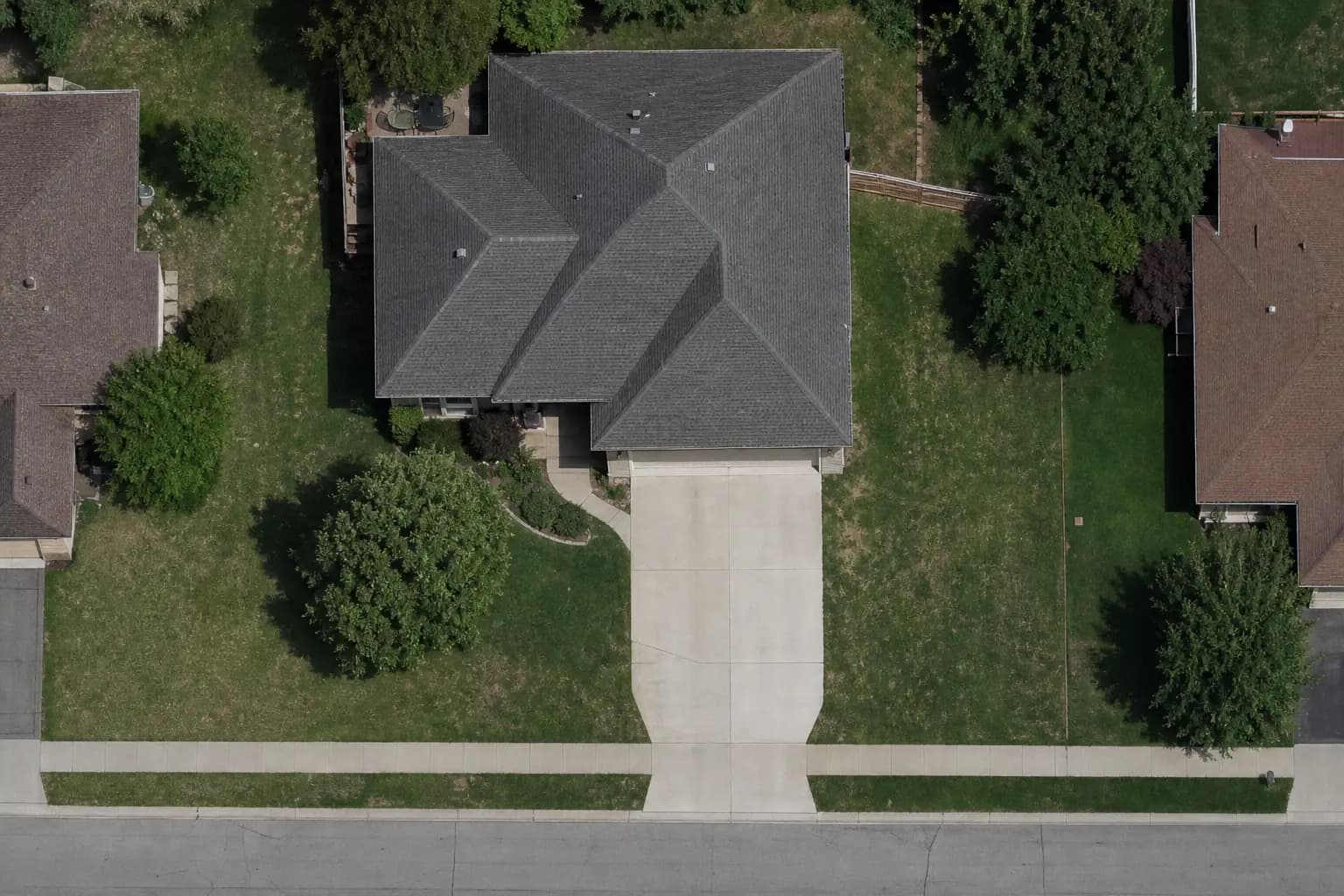
  • Where it goes shows the dumpster footprint on the satellite map and in Street View.
  • Access instructions and the site contact are on the stop.
  • On my way texts the customer for the driver. No call needed.

Built for a phone in a dash mount

Big type. Big buttons. Works with gloves on, and keeps working when the signal drops.

The next stop, front and center

The top of the screen is the next job: the service, the window, the customer, and an Open in maps button that hands the address to Google or Apple Maps. Below it is where the can goes and which can it is.

  • Drop off, Pick up, Swap, Dump · Same spot, Dump · New spot, Move.
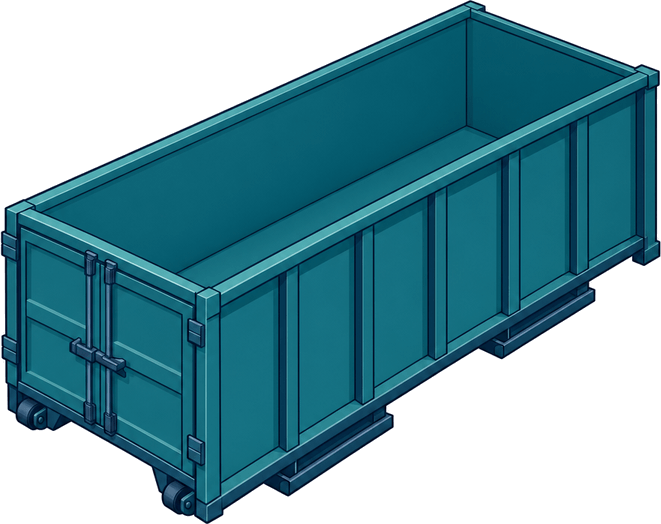
  • The container number and size on every stop.
  • Access notes like "Gate code is with the site lead."
Driver · My stopsSample data

The rest of the day as a numbered rail

Later today lists every stop after the next one, numbered and colored by service. Drivers see the whole day without scrolling through a spreadsheet.

Driver · My stopsSample data

Proof of the drop in two taps

Complete job asks for the number painted on the can and a photo of the drop. That's it. The office sees it done, and the customer gets a text.

  • Container check catches the wrong can before it leaves the site.
  • Photos stay on the project for when a customer says it was put in the wrong place.
Driver · Complete jobSample data

Problems get reported, not phoned in

Report issue gives the driver the common ones: blocked spot, blocked entrance, not enough room, unsafe access, customer not there, wrong dumpster. It shows up red on your screen right away.

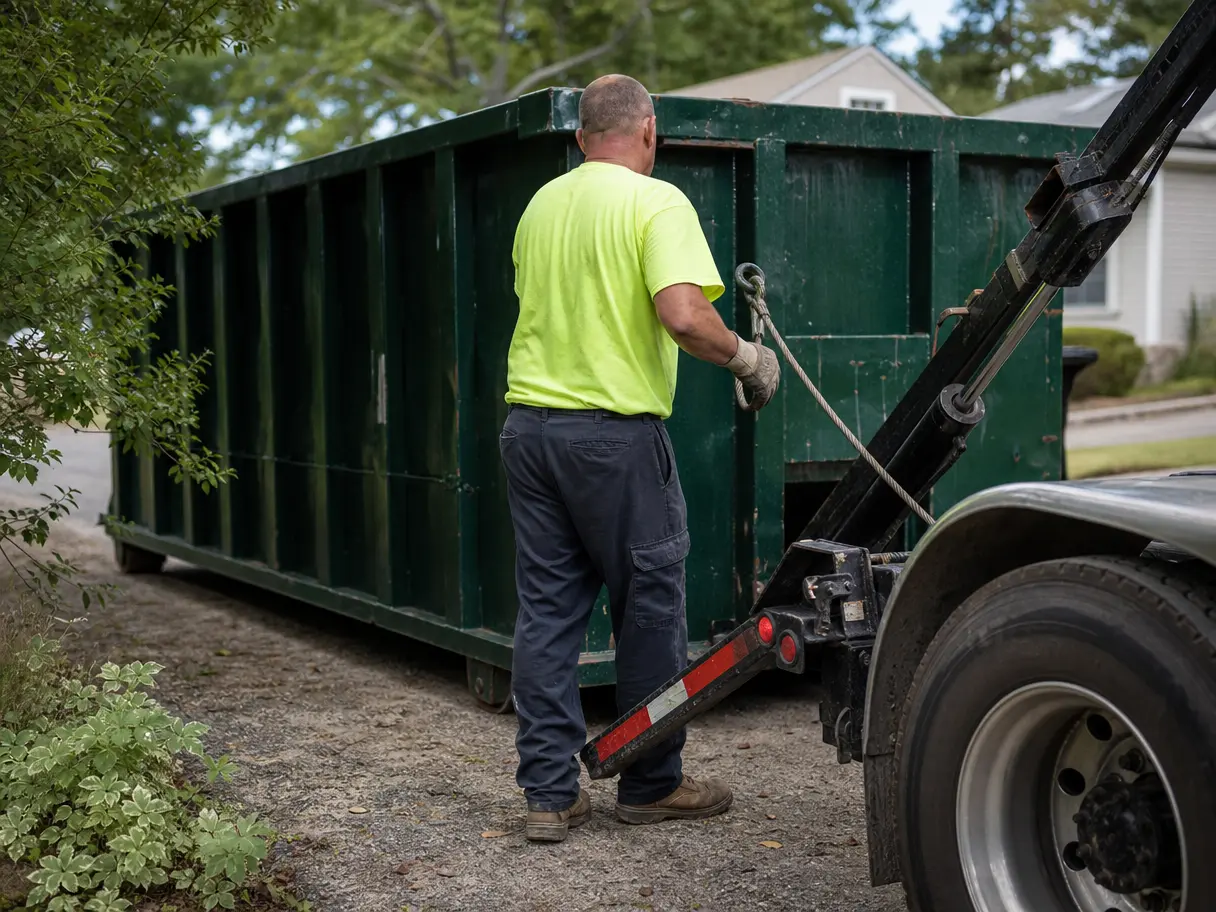
A driver hooking the cable to a full 20-yard dumpster in a driveway.

Questions operators ask

Do drivers need to download an app?

No. Drivers open DumpTracker in their phone's browser and sign in. They can add it to the home screen so it opens like an app.

What happens when a driver loses signal?

Stops stay on the phone. Taps like On my way and Complete job are saved and sent when the signal comes back. The screen says it's offline and shows when the stops were last updated.

Does DumpTracker track drivers by GPS?

No. There is no live location tracking. The driver taps On my way, and that sends the customer a text. Some owners like that. Drivers usually do too.

Do we pay per driver?

No. Every plan includes unlimited drivers and office staff.

See it on your own jobs.

Bring a real week: the addresses, the cans, the drivers. We'll set it up on a call and you'll see your day plan before we hang up.